

Mobile App Development Process Step by Step: A Complete Beginner’s Guide
Every app on your phone started as a rough idea. The difference between the ideas that become useful products and the ones that stall is usually process. Founders who skip planning often rebuild screens, blow their budgets or launch something nobody asked for.
This guide walks through the mobile app development process step by step, from the first idea to life after launch. You will learn how to build a mobile app from scratch, what each stage involves and which mistakes cost beginners the most. It is written for startup founders, business owners and students who want a clear roadmap rather than technical jargon.
What Is the Mobile App Development Process?
The mobile app development process is the series of stages that takes an app from concept to a live product that people can download and use. It is often called the mobile application development lifecycle because it never really ends: after launch, you keep fixing, updating and improving.
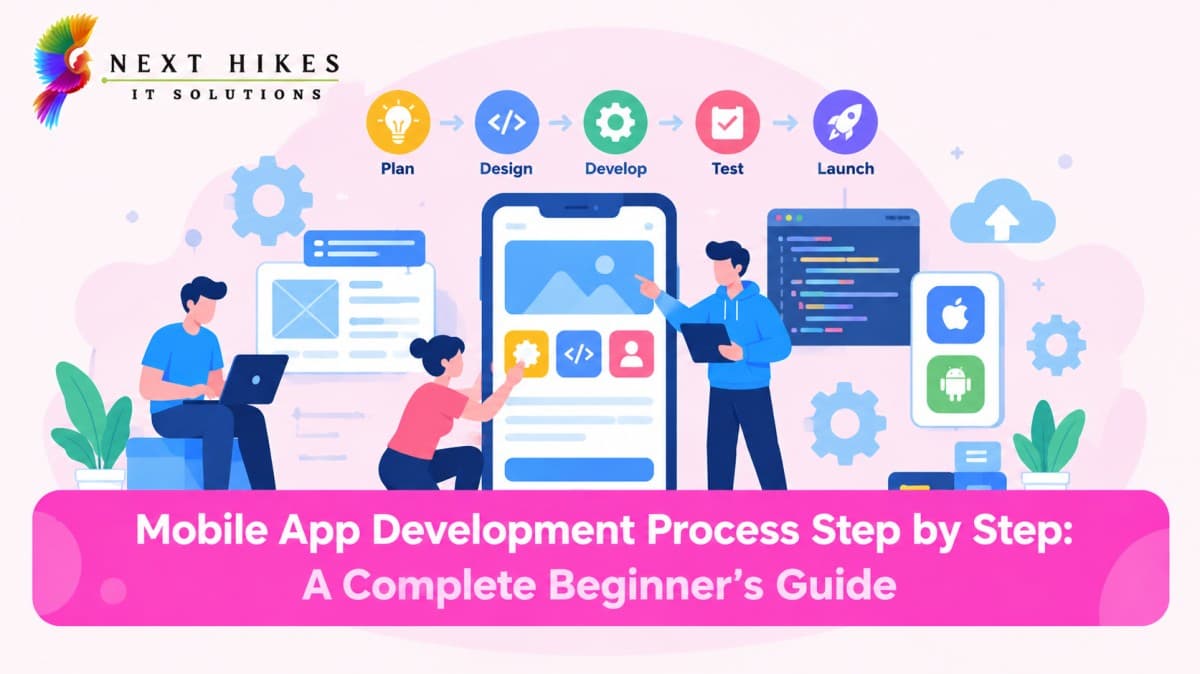
Most teams follow the same broad stages: planning, design, development, testing, launch and maintenance. Some work in a strict sequence. Others, especially agile teams, repeat small cycles of design, build and test. Either way, the stages below cover the same ground.
Most teams follow the same broad stages: planning, design, development, testing, launch and maintenance. Some work in a strict sequence. Others, especially agile teams, repeat small cycles of design, build and test. Either way, the stages below cover the same ground.
Use a mix of real devices and emulators. Invite a small group of beta testers, since people outside your team will use the app in ways you never
Step-by-Step Mobile App Development Process
1. Define Your App Idea and Goals
Start with the problem, not the app. Write one sentence that describes who the app helps and what it fixes. For example: “Busy parents need a simple way to share school pickup schedules with relatives.”
Then set goals you can check. These might be a number of beta users in three months, a target for completed bookings, or a validation milestone for a student project. Clear goals make every later decision easier, from features to budget.
2. Conduct Market Research and Competitor Analysis
Before spending money, find out whether people already solve this problem and how well. Search the app stores for similar apps and read their reviews, especially the one- and two-star ones. Complaints show you exactly where competitors fall short.
Also talk to real people in your target audience. Even five or ten short conversations can show whether your idea is a real need or just an interesting thought. Note what users like, what annoys them and what they would pay for.
3. List Features and Create an MVP
Write down every feature you can imagine, then sort them into “must have,” “nice to have” and “later.” Your minimum viable product (MVP) contains only the must-haves, enough to deliver the core value and learn from real users.
A food delivery MVP, for instance, might include sign-up, restaurant browsing, ordering and payment. Live driver tracking, loyalty points and chat support can wait. Launching smaller gets you feedback sooner and reduces wasted effort.
4. Choose the Right Platform and Technology
This choice shapes your cost, speed and user experience. You have three main routes:
Native Android: built specifically for Android, usually with Kotlin.
Native iOS: built specifically for iPhone and iPad, usually with Swift.
Cross-platform: one codebase for both systems, using frameworks such as Flutter or React Native.
Native development gives the closest fit with each platform’s features and behavior. Cross-platform development can save time and money when you need both Android and iOS app development, though some device-specific features may need extra work.
A practical rule: if your audience is concentrated on one platform, start there natively. If you need to reach both quickly on a limited budget, cross-platform is a sensible starting point. Check where your target users actually are before deciding.
5. Plan the Budget and Development Timeline
Mobile app development cost factors include the number and complexity of features, the platforms you target, design depth, backend requirements, third-party integrations, team location and experience, and ongoing maintenance. An app with simple screens and no server is far cheaper than one with payments, real-time data and user accounts.
Get itemized quotes if you hire an agency or freelancers, and compare what is included rather than just the total. Add a buffer for changes and unexpected issues, and budget for post-launch costs such as hosting, store fees, updates and support. Break the timeline into milestones so you can see progress and catch delays early.
6. Design the UI/UX
Good mobile app planning and design saves expensive rework later. Design usually moves through three layers:
Wireframes: simple black-and-white sketches showing where things go on each screen.
Prototypes: clickable mockups that let you test the flow before any code exists.
Visual design: colors, typography, icons and spacing that give the app its identity.
Keep navigation obvious. Users should reach key actions in a few taps, and common patterns such as a bottom tab bar feel familiar. Build accessibility in from the start: readable text sizes, strong color contrast, tappable targets large enough for fingers, and labels that screen readers can announce. Test your prototype with a few real people before development begins.
7. Develop the Frontend and Backend
Development is where designs become a working product. It has two sides:
Frontend: everything users see and touch, such as screens, buttons, animations and gestures.
Backend: the systems behind the scenes, including servers, databases, authentication and business logic.
Say a user opens a fitness app and logs a workout. The frontend collects the entry, an API (a set of rules that lets the app and server talk) sends it to the backend, the server checks the user’s identity, and the database stores the record.
Build in small pieces and review working versions regularly. Use version control such as Git so changes are tracked. For authentication, rely on well-established methods instead of inventing your own.
8. Test the Application
Testing is a core part of mobile app testing and deployment, and it should start well before the final build. Cover these areas:
Functional testing: does every feature do what it should?
Usability testing: can real people complete tasks without confusion?
Performance testing: is the app fast, and does it behave well on slow connections and with low battery?
Security testing: is user data protected in storage and during transfer?
Compatibility testing: does it work across different screen sizes, operating system versions and devices?
9. Launch the App
Launching means publishing through the official stores. To launch an app on Google Play and the Apple App Store, you will need:
Developer accounts: Google Play Console and the Apple Developer Program, both of which involve fees.
A store listing: app name, description, screenshots, icon, category and keywords.
Privacy disclosures: a privacy policy plus the data-practice information each store requires, which must accurately reflect what your app collects.
A release build: a signed, production-ready version of your app.
Both stores review submissions. Apple’s review checks apps against its published guidelines, and Google Play runs its own policy checks. Review times vary, and rejections are common for first-time submissions, so read each store’s current policies in advance and leave room in your schedule. Consider a staged rollout so a small share of users receive the app first.
10. Monitor, Maintain, and Improve the App
Launch day is the beginning of the next phase. Mobile app maintenance includes fixing bugs, updating for new operating system versions, patching security issues and releasing improvements based on user feedback.
Track crash reports, ratings and reviews, and how people actually use features. If most users abandon sign-up at the same screen, that screen needs attention. Plan regular updates, respond to reviews, and let real usage data guide your roadmap.
How Long Does It Take to Develop a Mobile App?
There is no single answer, because scope drives everything. As a rough guide, a simple app with a few screens may take a couple of months, a mid-complexity app with accounts and integrations often takes several months, and a large app with advanced features can take much longer. Treat these as general planning ranges, not guarantees.
Several factors change the timeline:
Number and complexity of features
Whether you build for one platform or two
Design revisions and approval speed
Team size and experience
Store review and testing cycles
Starting with an MVP is the most reliable way to shorten the time to your first release.
Common Mistakes to Avoid
Skipping research. Building first and asking questions later is the costliest mistake.
Overloading the first version. Too many features delay launch and blur your core value.
Ignoring design and usability. A clever app that confuses people will not be used.
Testing too late. Bugs found just before launch are harder and more expensive to fix.
Forgetting maintenance costs. An app needs ongoing updates and support to stay useful and secure.
Underestimating store requirements. Missing privacy details or policy issues can lead to rejection.
Not planning for feedback. Launching without any way to learn from users wastes your best data.

Harsh Gupta
Sr.Digital Marketing ExecutiveWith 3+ years of experience in digital marketing, specializes in SEO, social media marketing, paid campaigns, and brand growth strategies. Skilled in creating result-driven marketing campaigns that improve online visibility, audience engagement, and lead generation. Passionate about helping businesses grow through innovative digital solutions, performance marketing, and data-driven decision-making. Known for delivering creative strategies, strong communication, and measurable business results.
Related Articles
More from the world of Mobile App Development
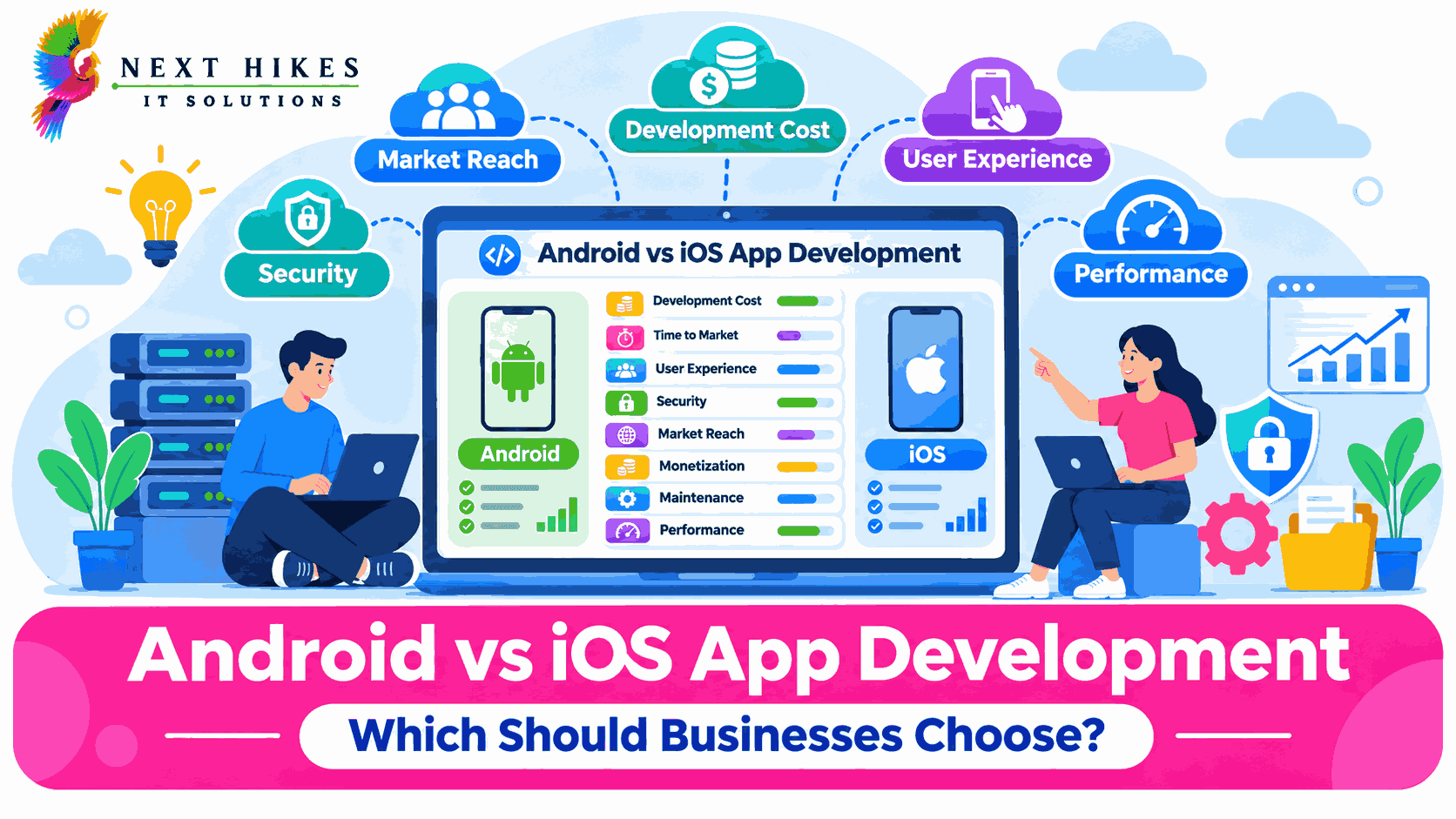
Android vs iOS App Development: Which Should Businesses Choose?
Compare Android and iOS app development to understand their costs, features, security, and benefits. Discover which platform best suits your business goals and target audience.
 Harsh Gupta
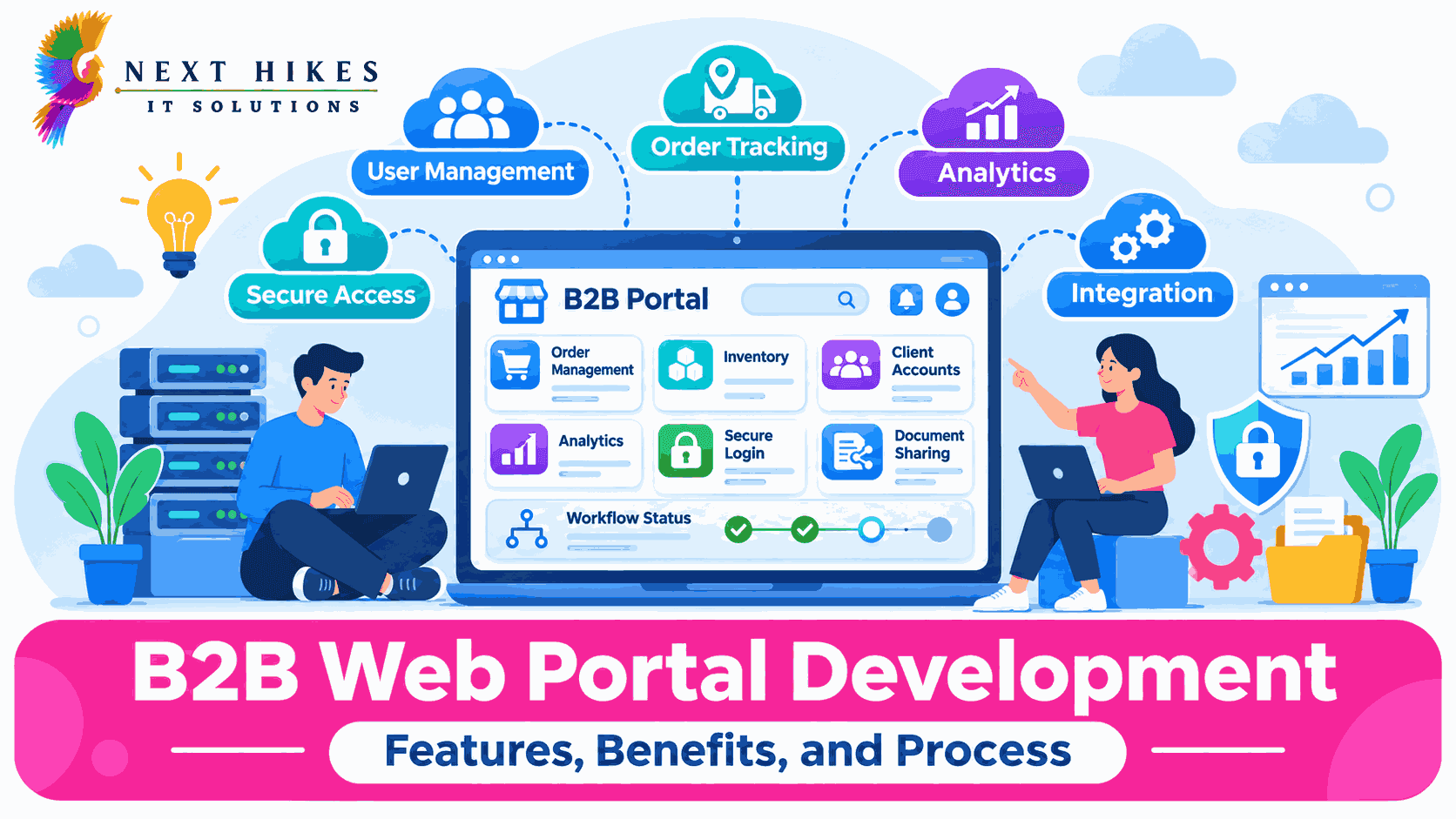
B2B Web Portal Development: Features, Benefits, and Process
Build smarter B2B portals for business growth.
Harsh Gupta
Which Is the Best Cloud Solution for Your Business: Public, Private, Hybrid, and Multi-Cloud ?
Choosing the Right Cloud Solution
Harsh GuptaDo You Have Any Questions?
Before launching any application or platform, there are always key questions to consider. Here are some of the most common ones we address.
Define the idea, research the market, plan an MVP, choose technology, set budget and timeline, design the UI/UX, develop, test, launch, then maintain and improve.