

AI-Assisted Coding and Modern Development Workflows: A Practical Guide
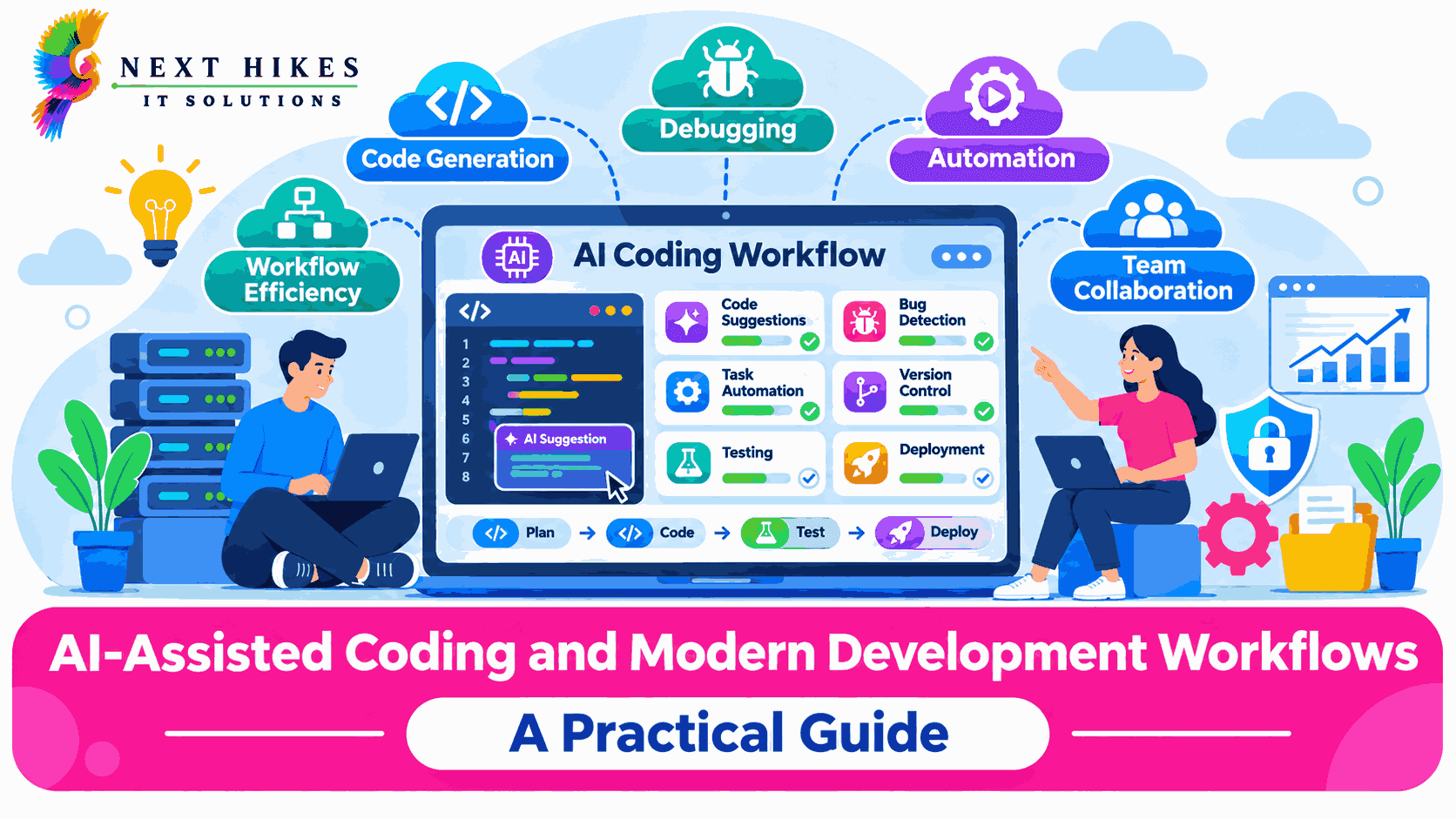
Software has always been driven by the tools we have. Compilers, version control, clouds and test automation are all areas of software we are constantly evolving. Now an evolution in Software is being caused by Artificial Intelligence. Code generation with AI is transforming software development practices. It is no longer a novelty, but is now something that is quickly becoming second nature within engineering teams. As companies develop digital products, it is vital they understand what AI in software actually means. This article will explain exactly what AI in software is, how it fits within your workflow, what it can be used for, what it cannot do and how to responsibly implement it into your team.
What Is AI-Assisted Coding?
In general, AI assisted coding uses machine learning models such as large language models that have been trained on source code and technical documents. This provides extra assistance for a developer when coding. The model is not the programmer but is an extra layer in the coding environment that will provide suggestions, answers and generate code based on the context.
How It Works in Practical Development Environments
An AI coding assistant analyses the code around your cursor, open files, comments and sometimes entire repo to predict what the next piece of code will be, or respond to a natural language query. For example, you may write a comment saying that you want a function to validate emails and the assistant may suggest how best to implement it. Other people may use the chat box to ask why they’re getting a certain error, or how to use an unfamiliar library. You are still in control of what happens with the suggestions. You can choose to accept, edit or reject.
From Traditional Coding to AI-Supported Workflows
For many years developers have used documentation, search, community sites and colleagues to help them solve problems. Auto-complete functionality has been used in editors but only provides syntax help and known function names. Tools such as static analysis, linters and automated testing tools provide some structure around the problem solving. Continuous integration enables frequent releases. Using AI to aid software development means that instead of searching in the editor for solutions, the developer is able to describe the problem and have a bespoke solution provided in seconds. This means the problem solving process has shifted from searching and adjusting to describing, reviewing and improving.
How AI Coding Assistants Support Everyday Development Tasks
Code Suggestions and Generation
This is probably the most noticeable feature. You’ll be able to autocomplete lines of code, whole functions, and even repeated boilerplate code such as data models, API endpoints and config files. A developer could ask for a controller template when building a REST service and adapt it to fit their projects standards. This will save time on common tasks and give more time for decision making.
Debugging and Refactoring
An assistant can help by reading the error message and stack trace, and explain what is likely going wrong in simple terms. Then they can give suggestions of how to solve problems. Refactoring suggestions can be made by suggesting better structures, renaming variables, and dividing large functions into smaller ones. This helps when working with older codebases. When the original author isn’t around to explain.
Documentation and Testing
Documentation can often be deprioritized due to time constraints. However, with the help of AI tools, documentation can be automatically generated using docstrings, module descriptions and README sections which are then edited by developers. Additionally, unit testing can be automated by suggesting test cases for unit testing and even includes edge cases that may be missed by the developer.
Popular AI Coding Tools Worth Knowing
An expanding market for AI-powered coding tools means there are now plenty of options, each with a subtly different approach. GitHub Copilot is popular and works within popular editors. It provides inline completion and chat features. Cursor is a fully AI-first editor which allows developers to ask questions about their code base and make changes across multiple files. Claude Code works from a terminal and lets you read through your project, issue commands and make changes. There are also lots of other options, depending on your team’s preferences, including built-in assistants from IDE providers and a number of open source tools. Technology moves fast, so it is always best to pick a tool that suits your team, whether it be which languages you use, your security policies or budgets.
Integrating AI-Assisted Coding into Modern Development Workflows
AI coding assistants are most valuable when they fit into the processes a team already follows. Inside the IDE, they support daily work. With Git-based version control, they can help write clear commit messages, summarize changes, and draft pull request descriptions that make reviewers’ jobs easier. During code reviews, AI can flag potential issues such as unused variables, missing error handling, or inconsistent style, giving human reviewers a head start while leaving the final decision to them.
In CI/CD pipelines, AI can help write and troubleshoot configuration files, interpret failing build logs, and suggest fixes for flaky tests. In DevOps practices more broadly, teams use it to draft infrastructure scripts, container definitions, and deployment documentation. The key is that every piece of AI output still passes through the same gates as human-written code, including automated tests, security scans, and peer review.
Improving Developer Productivity, Collaboration, and Software Quality
Overall, developers will become more productive as they won't have to do mundane tasks. They can focus on their high-level thinking and solving problems that need to be solved. They can focus on understanding what the users need. New team members will also learn quicker as they can ask their assistant about parts they're unfamiliar with. Teams will benefit due to the increased clarity from the documentation and the pull requests being more descriptive. Overall quality can improve due to the assistants encouraging more testing and catching minor errors. This depends on how cleverly the tools are used by the team.
The Role of Human Developers in an AI-Assisted Process
AI-generated code is a draft, not a finished product. Developers remain responsible for understanding what the code does, confirming that it meets requirements, and making sure it fits the broader system. A suggestion can look correct, compile without errors, and still contain a subtle logic flaw or ignore a business rule that only the team knows. Human reviewers also maintain the code over time, which requires understanding it well enough to change it later. Skills such as system design, critical thinking, and communication with stakeholders remain firmly in human hands.
Limitations and Challenges of AI-Assisted Coding
Accuracy is the first concern. Models can produce code that appears plausible but is wrong, outdated, or built on libraries that do not exist. Security is another risk, since generated code may include weak validation, insecure defaults, or vulnerable dependencies if nobody checks it carefully. Data privacy matters too, because sending proprietary code or sensitive information to an external service may conflict with company policy or client agreements. Intellectual property questions around licensing and training data are still being discussed, and organizations should seek legal guidance where the stakes are high. Finally, overdependence on automation can weaken a developer’s own understanding, particularly for junior engineers who may accept suggestions without learning why they work.
Best Practices for Using AI Coding Assistants Responsibly
Teams do best when they set clear expectations before adoption. A written policy should state which tools are approved, what kinds of code or data may be shared with them, and how AI-assisted contributions are reviewed. Reviewing generated code with the same care as a colleague’s work is essential, as is running tests and security scans on everything. Developers should be encouraged to treat suggestions as starting points and to mention in pull requests when AI played a major role. Training also helps, since writing precise prompts and recognizing weak output are skills that improve with practice. Starting with a small pilot team makes it easier to learn what works before expanding.
The Future of AI-Powered Software Development
We're seeing tools become much more intelligent. For example, assistants can now be used to plan out multi-step tasks, make changes to multiple files, and even test their own work. This could alter team structure, with increased importance on review, architectural and product roles, however the actual implementation is reduced. Engineering practices will likely also change, to utilise more automation and explicit specifications. However there is some uncertainty in exactly what that change will be and software for real users will still require developers familiar with the problem they are solving.
Using AI for your code can be incredibly useful if you treat it like an assistant rather than an authority. This can help reduce mundane tasks, improve documentation and testing, as well as helping your team work through new development workflows. However, quality software development still requires us to use our judgement, take responsibility and be creative. Companies who use AI sensibly, alongside a rigorous review process, clear policies and continue to invest in their developers will be the best to benefit from this change. As they will have secure, reliable and maintainable software.

Harsh Gupta
Sr.Digital Marketing ExecutiveWith 3+ years of experience in digital marketing, specializes in SEO, social media marketing, paid campaigns, and brand growth strategies. Skilled in creating result-driven marketing campaigns that improve online visibility, audience engagement, and lead generation. Passionate about helping businesses grow through innovative digital solutions, performance marketing, and data-driven decision-making. Known for delivering creative strategies, strong communication, and measurable business results.
Related Articles
More from the world of AI

Why Every Small Business Needs a Digital Marketing Plan for Sustainable Growth
Plan smarter, grow your business
 Harsh Gupta
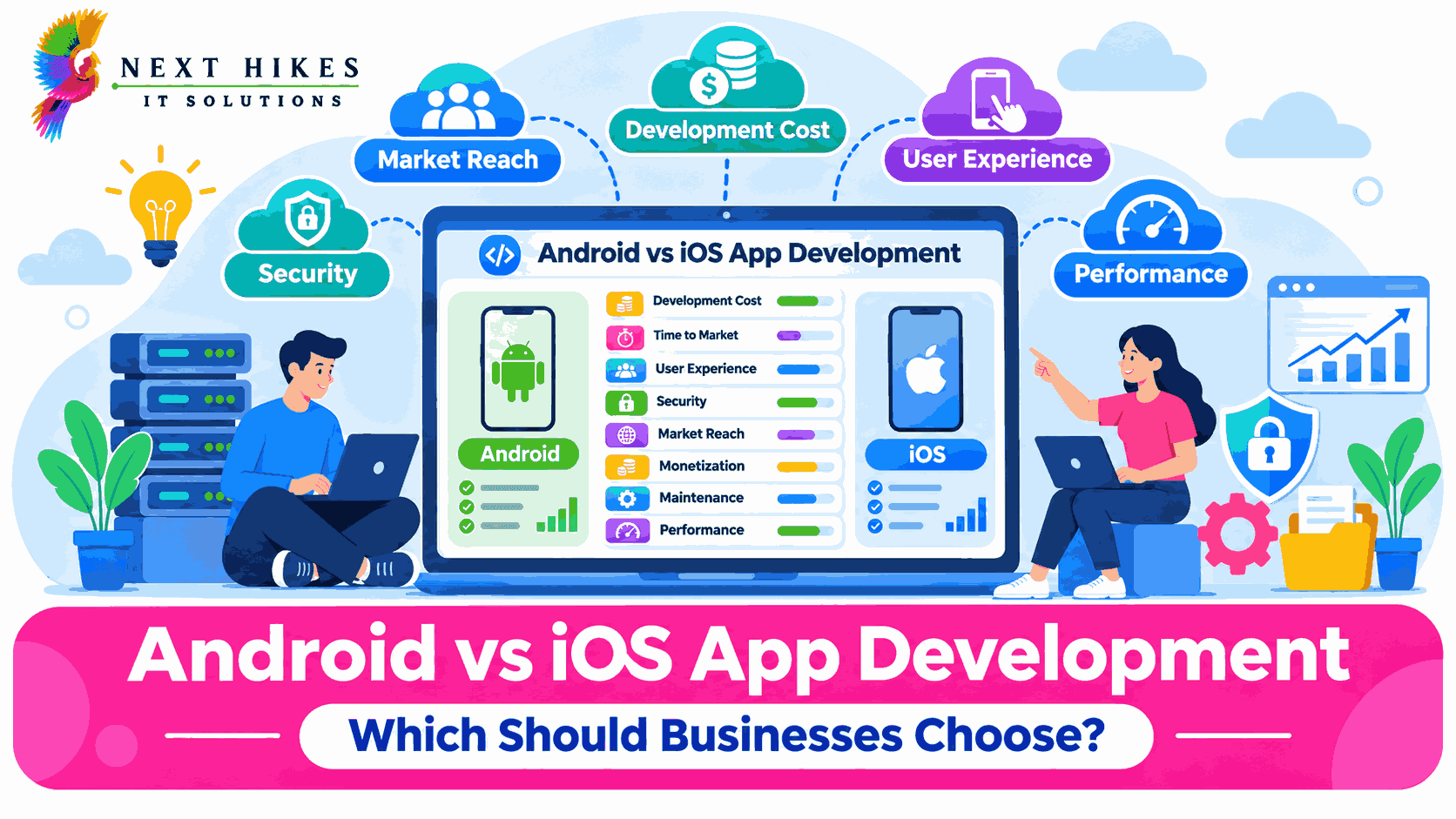
Android vs iOS App Development: Which Should Businesses Choose?
Compare Android and iOS app development to understand their costs, features, security, and benefits. Discover which platform best suits your business goals and target audience.
Harsh Gupta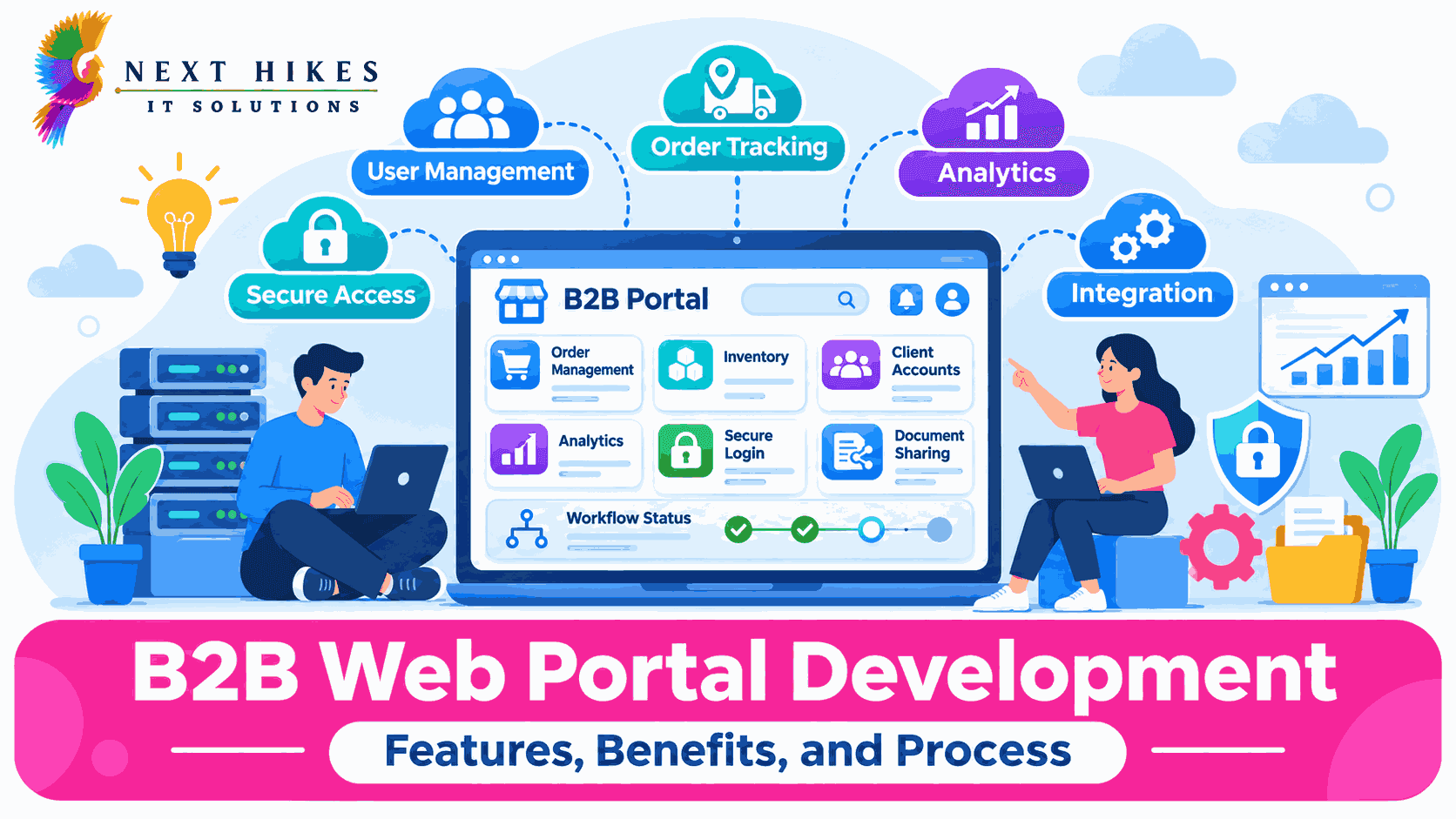
B2B Web Portal Development: Features, Benefits, and Process
Build smarter B2B portals for business growth.
Harsh GuptaDo You Have Any Questions?
Before launching any application or platform, there are always key questions to consider. Here are some of the most common ones we address.
It can support work inside the IDE, help write commit messages and pull request descriptions, assist with code reviews, and help troubleshoot CI/CD configurations and DevOps scripts. All AI output should still pass through the same tests, scans, and peer reviews as human-written code.